If you've spent any time in the AI agent ecosystem in the past year, you've seen "MCP" everywhere. MCP servers, MCP clients, MCP tools. I was skeptical at first. Seemed like another acronym that would vanish by next quarter. The adoption curve has been steep.
Anthropic introduced MCP in November 2024 as an internal experiment. OpenAI picked it up in March 2025 across their Agents SDK, Responses API, and ChatGPT desktop. By December 2025, it was donated to the Linux Foundation's Agentic AI Foundation. Today in March 2026, there are 18,000+ MCP servers in the ecosystem with 97 million monthly SDK downloads. It is not a niche protocol but infrastructure.
But I still meet engineers who don't fully understand what MCP is, how it works, or when to actually use it. This is the explainer I wish someone had written me six months ago.
What MCP Actually Is
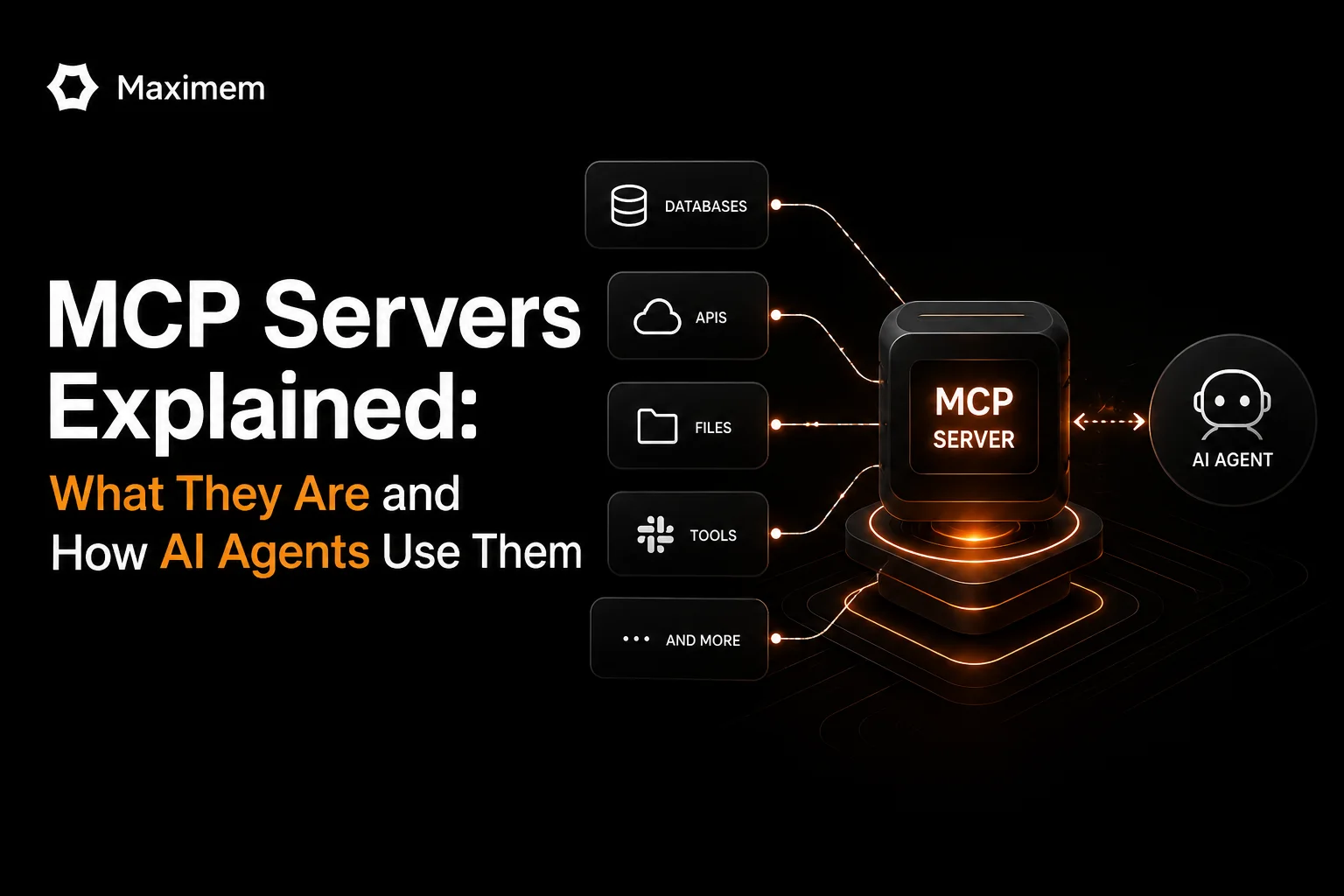
Model Context Protocol. One-line version: it's an open standard that gives AI agents a universal way to connect to external tools and data sources. Think USB-C for agent integrations. Before MCP, connecting an agent to a new tool meant writing a custom integration. Different format. Different auth. Different error handling. You'd end up maintaining N agents times M tools worth of custom connectors. MCP reduces this to N plus M.
Here's what MCP is not, because this matters.
It's not an API. APIs are stateless request-response. I make a call, you give me data, we're done. MCP maintains context across interactions and supports bidirectional communication. The server can push updates to the client. The client can maintain state. It's fundamentally different architecture.
It's not just "tools with JSON." This is where a lot of people get confused. MCP has three first-class primitives. Tools, resources, prompts. Each serves a different actor in the system. Lumping them together misses the whole design.
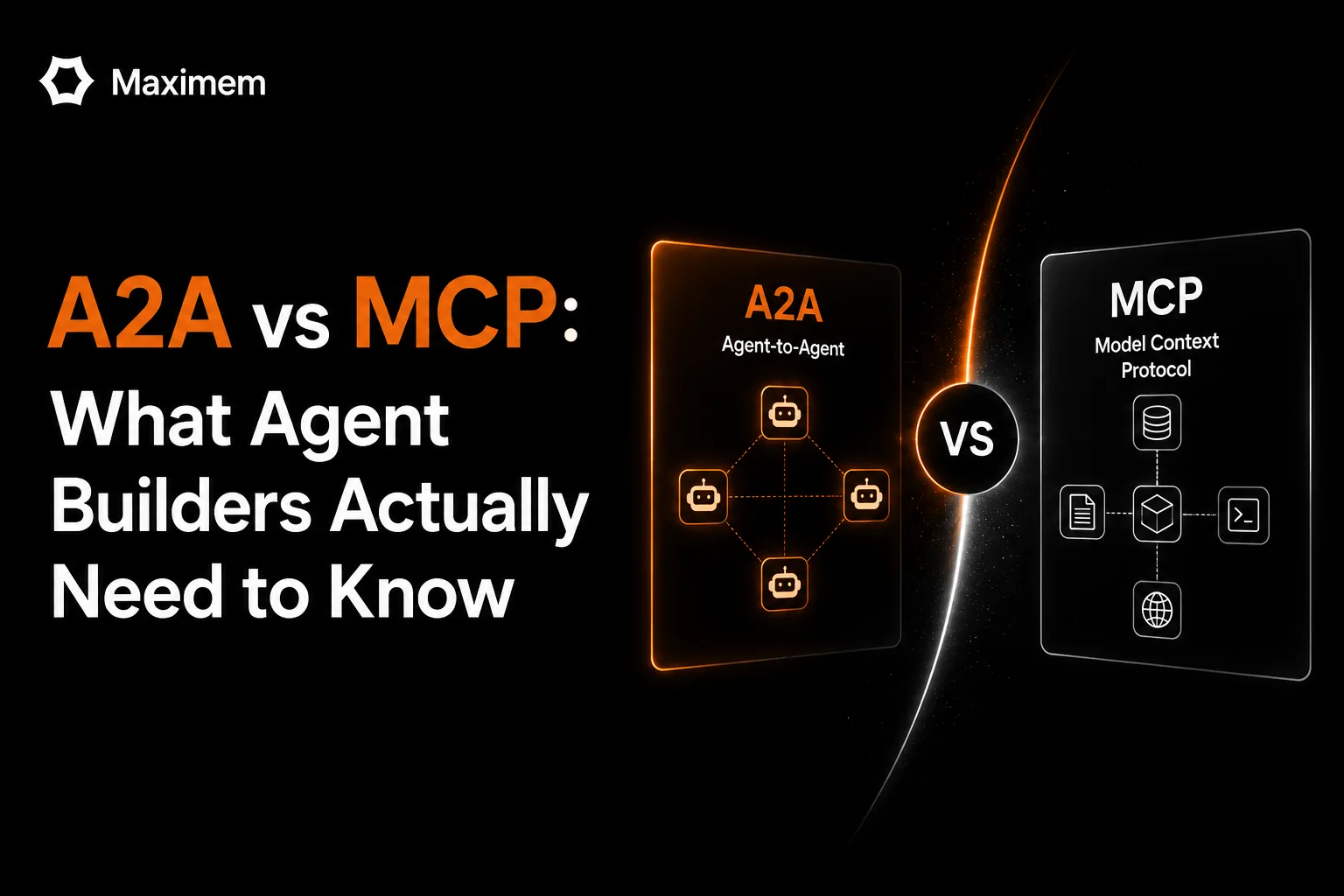
And MCP is definitely not a replacement for RAG. RAG is a retrieval strategy. MCP is a communication protocol. You can use RAG through MCP. You can use RAG independently. They solve different problems. For a deeper look at how MCP compares to other protocol standards, check out our [comparison of MCP to A2A](/blog/mcp-vs-a2a).
How It Actually Works
There are three roles in MCP architecture.
The host is your LLM application. Claude Desktop, ChatGPT, your custom agent built on Anthropic's API. The host is the consumer. If you've built a customer support agent that answers questions using your docs and CRM, that agent is the host.
The client lives inside the host and maintains a connection to a server. One client talks to one server. So if your support agent needs to talk to both Zendesk and your internal docs, that's two clients running inside one host, each handling its own server connection.
The server is a lightweight program that exposes capabilities. Tools that the model can call. Resources that the application can load. Prompts that users can invoke. Servers can be local (they'll run as a subprocess) or remote (they'll run somewhere else and talk over HTTP). A Postgres MCP server, for instance, exposes your database tables as resources and gives the agent a
run_sqltool, all without writing a single custom integration.
Communication happens over JSON-RPC 2.0. Two transport options: STDIO for local servers, HTTP with Server-Sent Events for remote ones.
Now the three primitives.
This is the part that confuses most people and also the part that's actually brilliant.
Tools are model-driven. The LLM decides when to call them. Database queries, API calls, file operations. search_web(query), send_email(to, body), run_sql(query). The model picks the tool. Your system decides whether to allow it. Each execution can require user approval. You're not giving the agent unlimited power. You're giving it capability while maintaining governance. For specialized use cases like document processing, see our guide on the [best MCPs for PDF parsing](/blog/pdf-parsing-mcp).
Resources are application-driven. Static or semi-static information. Code repositories. Documentation. User preferences. Configuration files. The application decides what gets loaded into context. No side effects. Just data.
Prompts are user-driven. Predefined instruction templates for common tasks. /summarize, /debug, /explain. Slash commands that ensure consistency. When I run /summarize, it runs the same way every time. When you run it, it runs the same way. You're not left guessing what the model will do.
The three primitives cover three actors. Model picks tools. Application loads resources. User invokes prompts.
Five Things Engineers Get Wrong
First misconception: "I can just load 50 tools and the agent will figure it out.": I've seen this fail hard. More tools often degrade performance. Agents get stuck in tool-selection loops. They pick the wrong tool because there are too many options. They second-guess themselves. Be selective. Load the tools that matter.
Second misconception: "MCP servers are like microservices.": Closer to plugins. Microservices are independent systems with separate databases and deployment lifecycles. MCP servers run alongside the agent. They're lightweight, purpose-built, often local. Different mental model entirely.
Third misconception: "If a server is sandboxed, it's safe.": Sandboxing helps. It doesn't eliminate risk. A sandboxed server can still make API calls to external services. It can leak data through side channels. It can execute logic you didn't intend. Sandboxing is one layer. You need governance on top.
Fourth misconception: "MCP handles auth for me.": MCP supports bearer tokens and API keys. Configuration is still your responsibility. Default configs often have governance gaps. You need to think through who can access what. Just like everything else in security, there's no magic layer that removes your burden.
Fifth misconception: "MCP replaces my existing APIs.": MCP wraps your APIs. Your REST endpoints still exist. Your GraphQL queries still exist. Your database connections still exist. MCP provides a standard interface for agents to discover and use them. It's a layer, not a replacement.
When to Use MCP (and When to Skip It)
Quick decision framework.
Use MCP when you're building an agent that needs to interact with external tools or data. When you want a standard interface so adding new tools doesn't require custom code. When you're building for an ecosystem where users might bring their own tools. Or when you're building for production and want to use the same protocol your model provider uses. For agents incorporating voice capabilities, explore our [Voice Agent Stack](/blog/voice-agent-stack) guide.
Skip MCP when your agent only uses one or two tools and direct API calls are simpler. When you're building a single-purpose agent with no extensibility requirements. When performance constraints require lower overhead than MCP adds.
But here's the real math: OpenAI supports it. Anthropic supports it. Google supports it. Microsoft supports it. IBM supports it. This isn't a niche choice anymore. If you're building agents for production in 2026, learning MCP is worth the investment.
So what does it mean
MCP moved from experiment to industry standard in 18 months. November 2024 to March 2026. The protocol is stable. The ecosystem is large. The major AI platforms support it. It's not going away. For agent builders, the question is no longer "should I learn MCP." It's "which MCP servers do I need." And that's a more interesting question to sit with. For definitions and deeper context on agent-related terminology, check our [AI Glossary](/glossary).