Sharing
Maximem Echo
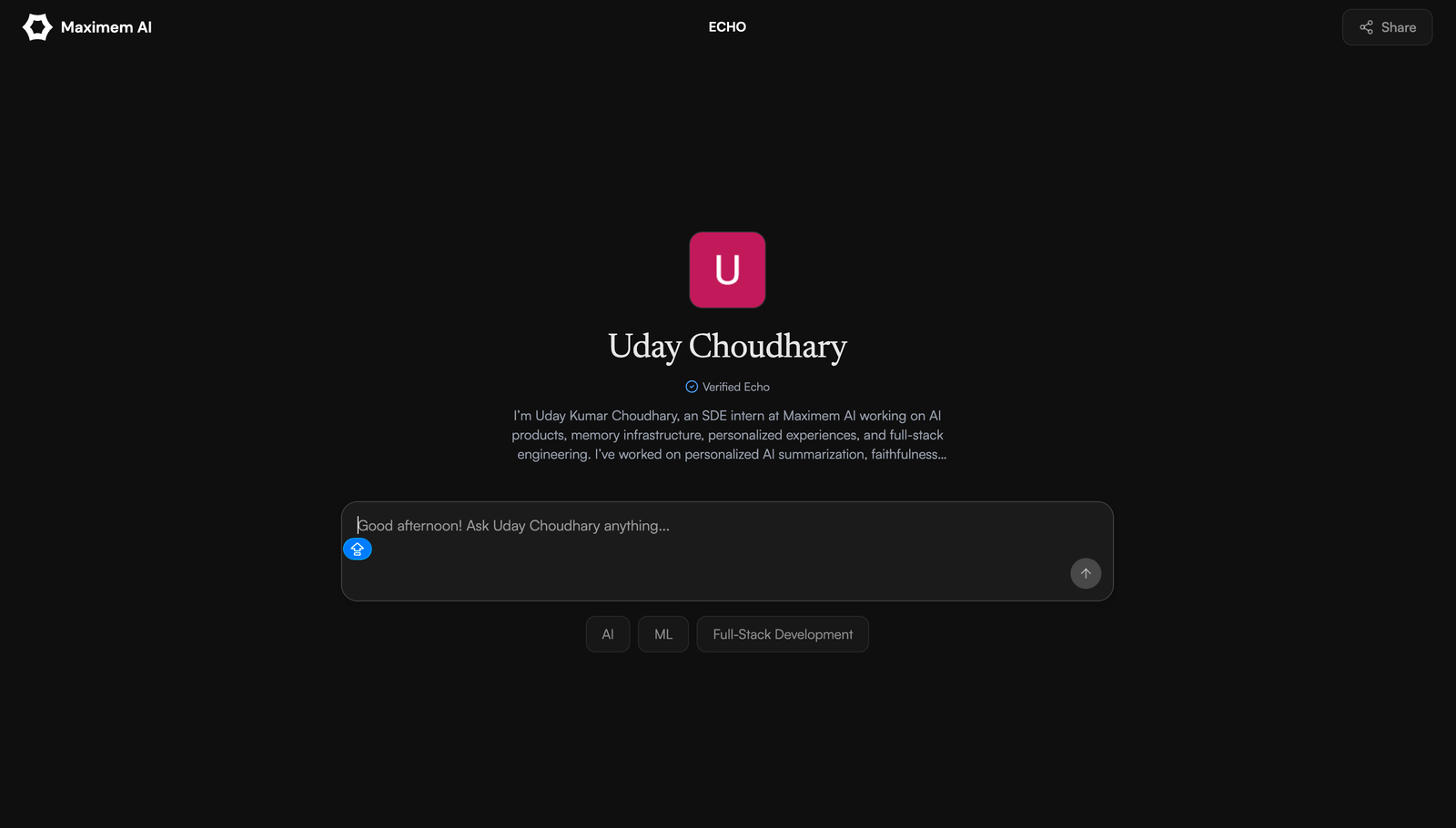
Your knowledge, insights, and point of view, shared in your own voice, around the clock. Echo answers the questions you would answer, grounded in the material you have already created.
Create your EchoWorks best with the Maximem Vity Chrome extension. Add to Chrome
Your best knowledge is trapped
Fans, clients, and colleagues ask the same questions faster than you can answer them. Your best past content stays buried, and you can only give personalized advice to so many people before the day runs out. You are everywhere and nowhere at once, and the value you have already created stops working for you the moment you step away.
What Echo does
Trained on your real material
Echo ingests your existing AI chats from ChatGPT, Claude, Gemini, and Perplexity, plus any URLs, text, and files you add, then auto-writes your bio and expertise areas.
Answers in your voice
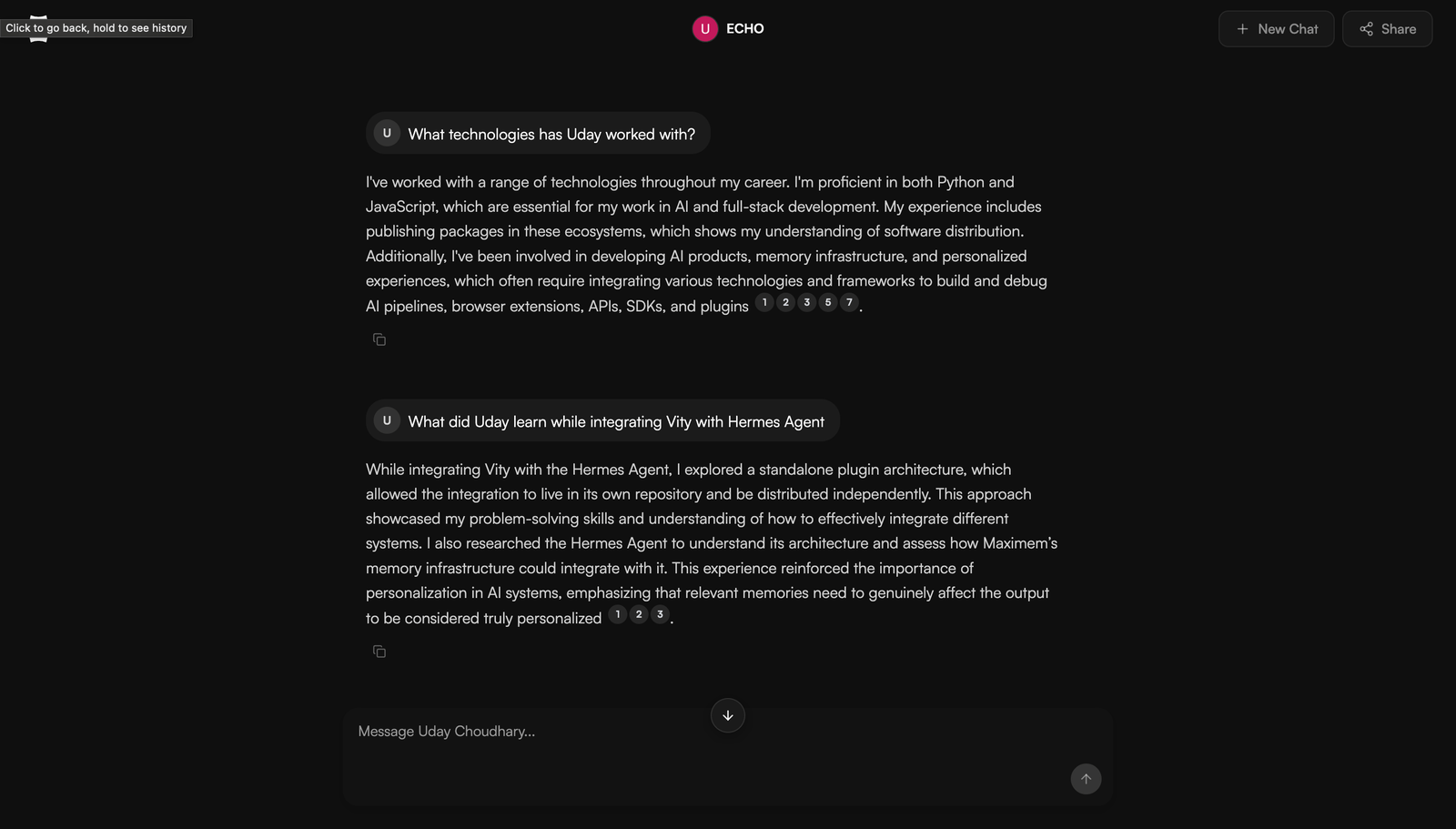
Not a generic bot or an FAQ page. Echo responds the way you would, grounded in your actual content, and can point people to the exact source behind an answer.
Multiple focused Echoes
Spin up one Echo per audience, product, language, or launch. Each keeps its own isolated knowledge base and up to five expertise areas.
Always on
A shareable public Echo URL that keeps answering while you sleep, travel, or film.
Draft-to-publish control
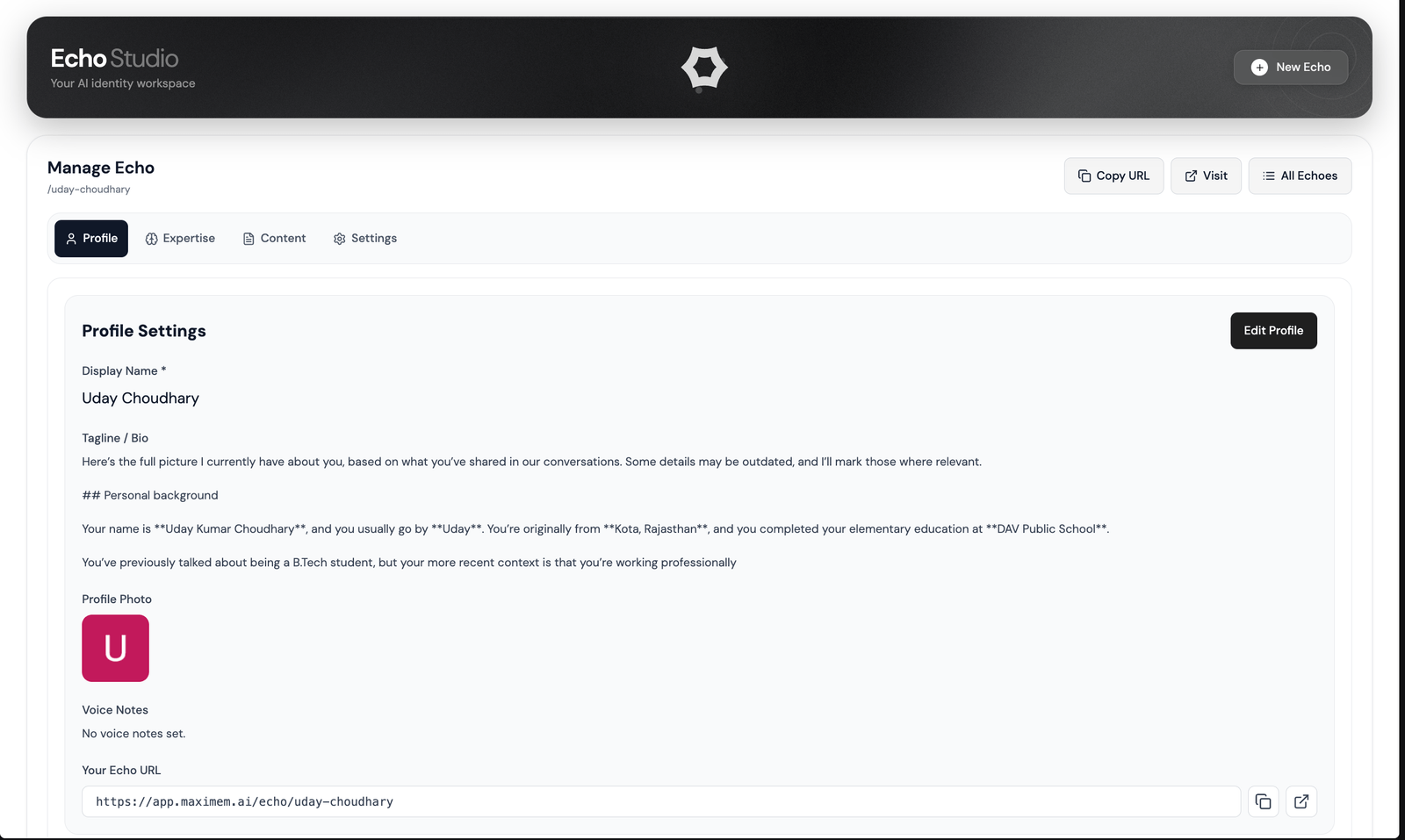
Every Echo starts as a private draft. You review the auto-generated profile and publish only when it reads the way you want.
Answers in your voice, with receipts
How it works
Create your Echo
Name, username, and photo are pre-filled from your Google account, and it saves as a private draft.
Feed it your knowledge
Add URLs, text, and files. Echo also pulls from the AI chats you have already ingested into Maximem.
Review and publish
Echo drafts your bio and five expertise areas. Edit, confirm, and publish to a public URL you can share anywhere.
Echo Studio: review before you publish
One vault, every Vity app
Everything Echo learns lives in the same private Maximem Vity vault that powers every other Vity app and connected surface. Capture once, use it everywhere.
Explore all Vity apps →Frequently Asked Questions
Echo is built on Maximem's memory infrastructure, so it captures how you think rather than reading a single transcript upload. It also gives you multiple focused Echoes instead of one generic clone.
Yes. Create a separate Echo per audience, product, language, or launch. Each one keeps its own isolated knowledge base.
From content you add, such as URLs, text, and files, plus your existing ingested AI chats. You stay in control and review everything before publishing.