Reading
Maximem WaitPro
Every AI response has a wait. WaitPro fills it with something you already meant to read, drawn from your own bookmarks rather than an infinite feed.
Get WaitProRequires the Maximem Vity Chrome extension. Add to Chrome
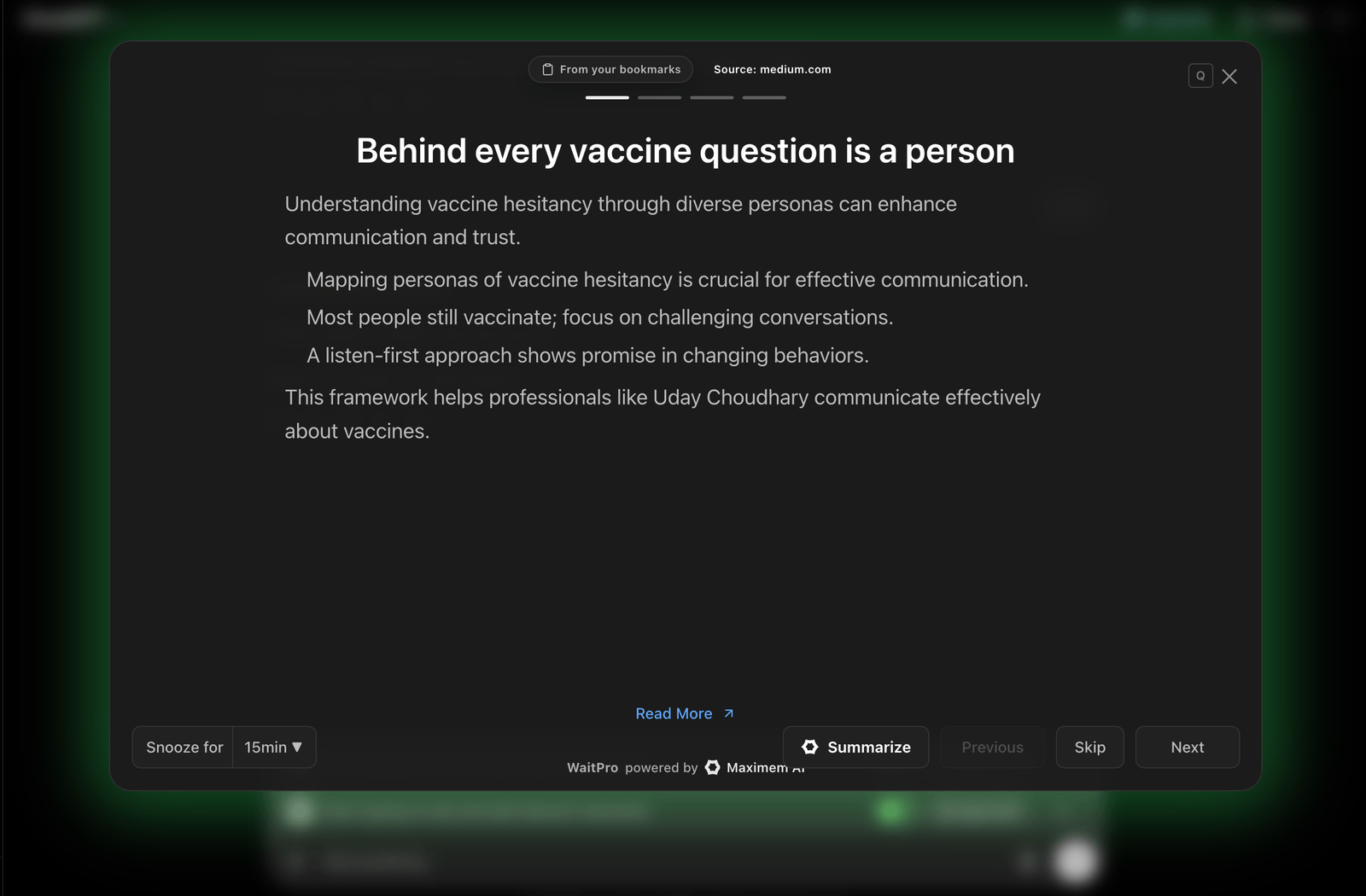
The wait always becomes a tab switch
Every time you send a prompt, you wait. That wait almost always turns into a tab switch and a few minutes of mindless scrolling. Meanwhile your bookmarks and reading list keep growing, and they never get read.
What WaitPro does
Detects AI wait time automatically
WaitPro knows when a response is generating and fills exactly that gap, with no button to press.
Reads from your own library
It curates from the Chrome and X (Twitter) bookmarks you import, so you only ever see things you chose to save.
Bite-sized and context-aware
Short, relevant snippets sized so you can finish them before the answer lands.
One-tap control
Snooze it, skip a card, or turn WaitPro off entirely from the extension popup.
How it works
Import your bookmarks
Connect your Chrome and X (Twitter) bookmarks in a one-time setup.
Use your AI as usual
WaitPro detects when you are waiting on a response from ChatGPT, Claude, Gemini, and other supported platforms.
Read while you wait
It surfaces relevant saved content in the gap. Toggle it off whenever you want the quiet.
WaitPro lives in the Maximem Vity extension
WaitPro ships inside the Maximem Vity Chrome extension, alongside Summarize For Me, Sound Like Me, and Skills. One install, one memory vault, four apps.
Get the Chrome extension →Frequently Asked Questions
Your own reading list, built from your Chrome bookmarks and your X (Twitter) bookmarks, imported once during setup.
No. Toggle WaitPro on or off at any time from the extension popup.