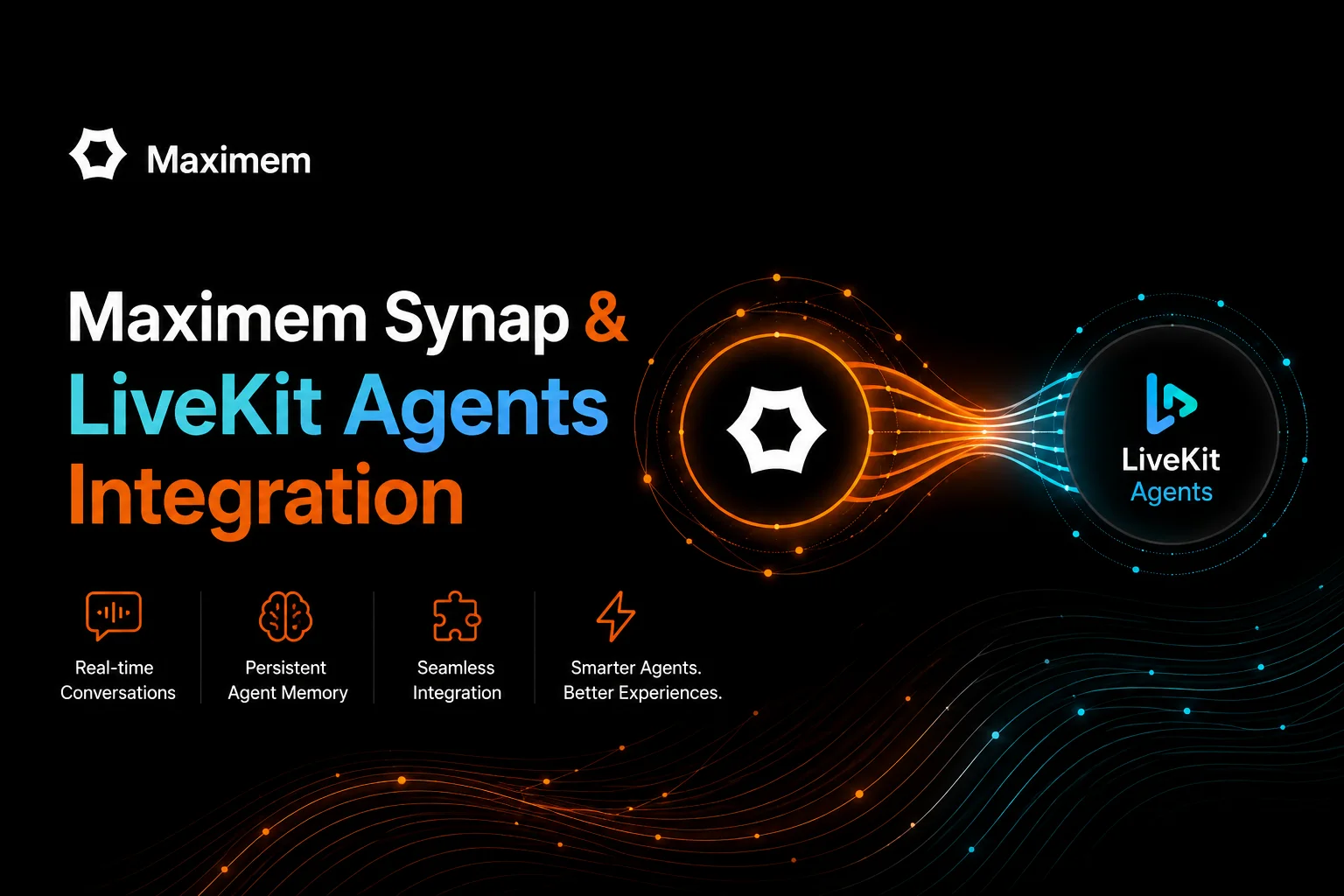
LiveKit Agents has no long-term memory store of its own, so memory across calls is something you add. Inside a call, ChatContext holds the history sent to the LLM and userdata holds per-session state. Across calls, the LiveKit docs tell you to load user data before the session starts, and they list providers such as Letta and Mem0 for memory. The best memory system for voice is the one that puts a caller's history in front of the model before the first reply and records the call without holding up audio. Maximem Synap does both through its LiveKit package: preload_synap_context inserts caller-scoped memory into the ChatContext before session.start(), and attach_synap_recording reports every committed user and assistant turn.
Every Synap name and argument below matches the open-source package maximem-synap-livekit-agents 0.2.1, which requires livekit-agents 1.0 or later and Python 3.11 or later.
Where LiveKit Agents Excels
LiveKit Agents is a framework for realtime voice agents, available for Python and Node.js. AgentSession is the orchestrator: it runs the STT, LLM and TTS stages, handles turn detection and interruptions, and lets the model call typed function tools while the caller is still on the line. If your agent has to answer phone calls or hold an in-app voice conversation, LiveKit takes care of the audio and turn-taking work.
What it leaves open is the second call. A new AgentSession begins with an empty chat context, and userdata belongs to the session that created it. When the same caller rings back next week, the agent knows only what your code loads for it.
How LiveKit Agents Memory Works Today
State in LiveKit Agents lives in two places, and both are scoped to one session. For a deeper look at each, see the chat context documentation.
ChatContext is the conversation the LLM sees. You build one with add_message, copy it with copy, cut it to the most recent items with truncate (which always keeps the system instructions), and apply changes mid-session with update_chat_ctx. The full history across all agents in a session is available on session.history. For long conversations the docs advise summarizing the context before passing it on, which is your code and one more LLM call.
userdata is typed per-session state. You define a dataclass, pass it as AgentSession[MySessionInfo](userdata=MySessionInfo()), and read it as session.userdata or through RunContext inside a function tool. It is the right place for what the agent collects during this call, and it ends with the session.
Across calls, LiveKit documents the pattern and leaves the storage to you: build an initial ChatContext before the session starts, read user-specific values from job metadata, room metadata or participant attributes, and use the on_user_turn_completed hook to look something up on each user turn (available for STT-LLM-TTS pipelines, where the turn exists as text). The same page lists third-party memory providers.
LiveKit is exact about where its responsibility ends, and what remains is a memory layer's work: storing each call, extracting the durable facts from a wordy transcript, and returning the right ones before the next call's first reply.
What Synap Adds
Synap is agentic context management. It does not replace AgentSession or ChatContext; it fills the ChatContext you were already going to pass to your Agent, and it listens to the events AgentSession already emits.
The package exports six helpers, and four of them carry most of the work:
preload_synap_context(chat_ctx, sdk, user_id=...) runs before session.start(). It calls sdk.fetch for the caller's scope and, when context comes back, inserts one system message at the head of the ChatContext. Pass search_query to bias the fetch toward a topic; leave it out and Synap returns the caller's ambient context.
attach_synap_recording(session, sdk, user_id=...) registers four listeners on the session: conversation_item_added for each committed user or assistant turn, tool_execution_updated and function_tools_executed for tool calls and their results, and close to end the Synap session. It returns the conversation id it used.
synap_search_tool and synap_store_tool are factories that return LiveKit function tools. Registered on the Agent, they let the model call synap_search(query) to look something up during the call and synap_store(content, category) to save a fact the caller volunteers.
The remaining two, preload_synap_st and refresh_synap_st, handle short-term context for a single conversation and are covered in the compaction section below.
We built this because voice agents kept resetting in production. The problem was not bad audio. It was the caller having to repeat themselves every call. Production testing hit 92% LongMemEval, 93.2% on LoCoMo.
For why context management is infrastructure and not a feature, read What Is Agentic Context Management?. For build-versus-buy numbers, see The Real Cost of DIY Agent Memory.
Technical Deep Dive
LongMemEval Benchmark
LongMemEval and LoCoMo measure one thing a returning caller depends on: a fact is stated in one session and asked about in a later one, with other sessions in between. Synap scores 92% LongMemEval, 93.2% on LoCoMo across this scenario. Both are text benchmarks, and we have not published a voice-specific variant, so read the figures as a measure of the memory engine behind the LiveKit package and not of a telephony pipeline. What the package contributes is the plumbing that gets a call's turns into that engine and the caller's context back out before the next call.
Entity Resolution Mechanism
Two different identity problems tend to get merged here. The first is who is calling, and the package does not answer it for you: every helper requires a user_id, and mapping a phone number, a SIP identity or an authenticated app user to that id is your code, run before the session starts. The second is who and what the caller talks about. When the same person or thing appears across conversations under different labels ("John", "Mr. Smith", "my manager"), Synap's ingestion pipeline links them to one canonical entity, and that resolution respects scope, so entities resolved for one user do not leak to another.
Compaction and Short-Term Context
Voice transcripts are wordy, and a long call fills the prompt with acknowledgements and repeated questions. Synap keeps a compacted summary plus the recent turns for each conversation, and the package exposes it through two helpers. preload_synap_st inserts that block as a system message before the session starts; refresh_synap_st is safe to call from on_user_turn_completed and replaces the previous block in place, so the prompt holds one current summary and not a growing stack of stale ones. Both take a conversation_id and a style of structured, narrative or bullet_points. Neither trims LiveKit's own ChatContext, so truncate remains yours to call.
Fast and Accurate Retrieval Modes
Every read helper takes a mode. The SDK documents fast as vector similarity only and accurate as vector search plus graph traversal and re-ranking, which is the slower of the two. The LiveKit helpers default to accurate. That default suits preload_synap_context, because the fetch happens once, before the caller hears anything. The search tool is a different case: it runs in the middle of a turn, while the caller waits, so mode="fast" is the safer setting there unless the question depends on relationships between entities.
Multi-Tenant Scoping
Scope is set by the arguments you pass, not read from the room. user_id is required everywhere. customer_id is for B2B Synap instances, where it is required; a B2C instance does not accept one, and the SDK refuses the call before it leaves your process. In the read helpers that refusal is caught and logged at ERROR like any other read failure, so check your logs the first time you wire a new instance. Each helper closes over the ids it was given, which means you construct the tools and attach the recording once per call, with that caller's ids, inside your entrypoint. A worker that serves several tenants never shares a tool instance between them.
What Synap Adds to LiveKit Agents
Persistence
LiveKit Native. ChatContext and userdata last for one session; loading data from earlier calls is your code. With Synap. Turns recorded during a call are stored under the caller's user_id and preloaded into the next call's ChatContext.
Entity Resolution
LiveKit Native. Out of scope for the framework. With Synap. People and things mentioned under different labels are linked to one canonical entity during ingestion, inside the caller's scope.
Compaction
LiveKit Native. truncate keeps the most recent items; summarization is yours to write. With Synap. A compacted summary plus recent turns, injected with preload_synap_st and kept current with refresh_synap_st.
Retrieval
LiveKit Native. An on_user_turn_completed hook for your own lookups. With Synap. One preload before session.start(), plus an optional synap_search tool during the call, each in fast or accurate mode.
Long-Term Recall
LiveKit Native. Not benchmarked for cross-call recall. With Synap. 92% on LongMemEval.
Failure Handling
LiveKit Native. Whatever your own loading code does. With Synap. A failed preload or search is logged at ERROR and the call proceeds without that context. Recording failures are logged and swallowed, because an exception inside a session event listener must not end the call. Only synap_store raises SynapIntegrationError, so the model sees that the save did not happen.
User Scoping
LiveKit Native. Per session. With Synap. user_id on every helper, customer_id on B2B instances, both fixed when the helper is created.
What Production Teams Gain
Callers stop repeating themselves. A caller gets help and hangs up. Two days later they dial again, and the agent's first turn already has their account context, their last issue and what was promised, because the preload put it in the prompt before the session started.
The memory fetch stays out of the turn. preload_synap_context is awaited once, before session.start(), so its cost lands before the conversation begins and not between a caller's question and the answer. Mid-call lookups happen only when the model decides to call synap_search.
Recording stays off the audio path. LiveKit's event emitter accepts only synchronous callbacks, so each listener hands its write to the event loop and returns. Writes are chained so they land in the order the session produced them, and a failed write is a log line, not a dropped call.
Tool calls reach Synap while the tool is still running. If you have opened the SDK's live stream with await sdk.instance.listen(), turns go out as stream events and a tool call is reported at the moment it is dispatched, which on a voice call is the moment the caller starts hearing nothing. Without a stream, turns are written through sdk.conversation.record_message and tool events are skipped. A turn is never written both ways.
Failure modes that do not end calls. A read failure leaves the ChatContext untouched, and the LLM answers with what it has. A recording failure shows up in your logs, where observability can pick it up, and the call continues.
How to Get Started
The whole integration is one install and one entrypoint.
Step 1: Install
pip install maximem-synap-livekit-agentsThis pulls in maximem-synap and livekit-agents. The import name is synap_livekit_agents, and the SDK itself is imported from maximem_synap.
Step 2: Preload context and attach recording
import json import os import uuidfrom livekit import agents from livekit.agents import Agent, AgentServer, AgentSession, ChatContext from maximem_synap import MaximemSynapSDK from synap_livekit_agents import ( attach_synap_recording, preload_synap_context, synap_search_tool, synap_store_tool, )
sdk = MaximemSynapSDK(api_key=os.environ["SYNAP_API_KEY"]) server = AgentServer()
@server.rtc_session() async def entrypoint(ctx: agents.JobContext): await sdk.initialize()
# Your own mapping from this call to a stable caller id. caller_id = json.loads(ctx.job.metadata)["user_id"] # 1. Preload long-term memory before the first LLM turn. chat_ctx = ChatContext() await preload_synap_context(chat_ctx, sdk, user_id=caller_id) agent = Agent( instructions="You are a support agent. Use what you know about the caller.", chat_ctx=chat_ctx, tools=[ synap_search_tool(sdk, user_id=caller_id, mode="fast"), synap_store_tool(sdk, user_id=caller_id), ], ) # Configure STT, LLM, TTS and turn detection as in the LiveKit quickstart. session = AgentSession() # 2. Record every committed turn. The conversation id must be a UUID. attach_synap_recording( session, sdk, user_id=caller_id, conversation_id=str(uuid.uuid4()) ) await session.start(agent=agent, room=ctx.room)
if name == "main": agents.cli.run_app(server)
Step 3: Check three things before you deploy
Call await sdk.initialize() before the preload. Read helpers degrade silently by design, so an SDK that was never initialized produces a log line and an agent with no memory, not an exception.
Pass your own UUID as conversation_id. Left unset, the helper generates an id of the form livekit-<hex>, and the current SDK validates conversation ids as UUIDs before it writes a message.
On a B2B instance, add customer_id= to the preload, the recording and both tools. On a B2C instance, leave it out.
Full config, scoping rules, and error handling: see the integration docs (https://docs.maximem.ai/integrations/livekit-agents)
Memory Is Infrastructure
LiveKit Agents gives voice developers a framework for realtime audio, and the session state it ships handles in-call data well. Carrying that state from one call to the next, deciding what is worth keeping from a transcript and retrieving it before the first reply is a different layer of the stack.
Teams that put voice agents in front of repeat callers reach this layer sooner or later. They either build the memory infrastructure themselves, or they plug in a system built for the problem.
Memory is infrastructure, not a feature.
Start building LiveKit voice agents that remember across calls (https://synap.maximem.ai)
Synap pricing is usage-based. You pay for memory operations: storage, retrieval, compaction. No per-seat or per-framework surcharge. The $49/month starter plan includes a base allocation; usage beyond that is metered by operation. Every new account gets $25 in free credits to test before committing. See the full pricing page (https://synap.maximem.ai/pricing).
Related Posts