Published 28 October 2026. Every product behaviour below was read from Anthropic's, OpenAI's and Cursor's own documentation on 28 October 2026, and version numbers are the ones those docs give.
Claude Code memory is two sets of markdown files on disk: the CLAUDE.md files you write, and an auto memory directory Claude writes for itself at ~/.claude/projects/<project>/memory/, of which only the first 200 lines or 25KB of the MEMORY.md index load into a new session. OpenAI Codex works the same way with different names: an AGENTS.md chain capped at 32 KiB by default, plus local Memories under ~/.codex/memories/ that stay off until you turn them on. Cursor has only the written half today, Project Rules, User Rules, Team Rules and AGENTS.md, because Cursor removed its automatic Memories feature in version 2.1.
None of the three reads another's learned memory. Every LLM call is stateless, so whatever an agent knows on Monday about Friday's session was written to a file and loaded back by the harness, and each harness only loads its own files. AGENTS.md is the one file all three read, which makes it the right home for shared instructions. Shared learned memory needs something outside all three tools: one MCP memory server registered in each of them, with lifecycle hooks that recall before a prompt and save after a turn. What follows is the detail, tool by tool, including the traps that make a correct-looking setup load nothing.
Claude Code, Codex and Cursor memory compared
| Claude Code | Codex | Cursor | |
|---|---|---|---|
| Instructions you write | CLAUDE.md (managed, user, project, local), .claude/rules/, or AGENTS.md | AGENTS.md, AGENTS.override.md, fallback names you configure | .cursor/rules/*.mdc, AGENTS.md, User Rules, Team Rules |
| Memory the agent writes | Auto memory, on by default in local sessions | Memories, off by default | None in Agent chat since 2.1 (Automations have their own) |
| Where learned memory lives | ~/.claude/projects/<project>/memory/ | ~/.codex/memories/ | Not applicable |
| What loads at start | All ancestor CLAUDE.md files, unscoped rules, first 200 lines or 25KB of MEMORY.md | Global file, then one file per directory from project root to working directory, up to 32 KiB | Always-apply rules, User and Team Rules; other rules by glob, description or @-mention |
| Scope of learned memory | One git repository on one machine, shared across its worktrees | One machine's Codex home | Not applicable |
Reads AGENTS.md | Yes, by default only when no CLAUDE.md or CLAUDE.local.md is on the path (v2.1.277+) | Yes, natively | Yes, root and nested |
| Memory hooks | SessionStart, UserPromptSubmit, PreCompact, PostCompact, Stop, SessionEnd and more | SessionStart, UserPromptSubmit, PreCompact, PostCompact, Stop, SessionEnd; on by default | sessionStart, beforeSubmitPrompt, preCompact, stop, sessionEnd; also loads Claude Code hooks |
| MCP config | claude mcp add, .mcp.json, ~/.claude.json | codex mcp add, [mcp_servers.<name>] in config.toml | .cursor/mcp.json, ~/.cursor/mcp.json |
What Claude Code remembers between sessions, and where it stores it
Anthropic's memory documentation states the baseline plainly: each Claude Code session begins with a fresh context window, and two mechanisms carry knowledge across sessions. CLAUDE.md files hold instructions you write; auto memory holds notes Claude writes itself from your corrections and preferences. Both are loaded at the start of every conversation, and both are context rather than enforced configuration, which is why Anthropic points you to a PreToolUse hook, not a CLAUDE.md line, for anything that must never happen.
| Scope | Location | Written by | Shared with |
|---|---|---|---|
| Managed policy | /Library/Application Support/ClaudeCode/CLAUDE.md (macOS), /etc/claude-code/CLAUDE.md (Linux and WSL), C:\Program Files\ClaudeCode\CLAUDE.md (Windows) | IT or DevOps | Everyone on the machine |
| User | ~/.claude/CLAUDE.md, ~/.claude/rules/ | You | All your projects on this machine |
| Project | ./CLAUDE.md or ./.claude/CLAUDE.md, ./.claude/rules/ | Your team, through git | Everyone who clones the repository |
| Local | ./CLAUDE.local.md (add it to .gitignore) | You | This checkout only |
| Auto memory | ~/.claude/projects/<project>/memory/MEMORY.md plus one topic file per memory | Claude | This machine, every worktree of the repository |
At launch Claude Code loads every CLAUDE.md and CLAUDE.local.md from your working directory up to the filesystem root and concatenates them, so the file closest to where you started is read last. Files in subdirectories below you load later, the first time Claude reads, writes or edits a file in that subdirectory. @path imports expand up to four hops deep and cost exactly as much context as pasting the file in. Anthropic's guidance is to keep each CLAUDE.md under 200 lines, because longer files reduce adherence; a file over 4 MiB is skipped entirely. Rules in .claude/rules/ without a paths field load at launch, and rules with paths frontmatter load only when Claude touches a matching file, which is the cheapest way to keep monorepo instructions out of sessions that do not need them.
Auto memory is the part people mean when they ask whether Claude Code "learns". Claude records four kinds of notes, tagged by a type field: user (your role and preferences), feedback (corrections and approaches you confirmed), project (deadlines and decisions it cannot derive from code or git history) and reference (where outside information lives, such as an issue tracker). It deliberately skips anything it can read from the codebase and anything your CLAUDE.md already says, and it does not save something every session. When you type "remember that the API tests need a local Redis", the fact goes to auto memory; "add this to CLAUDE.md" edits the instruction file instead. Claude Code stamps a modified timestamp into each memory file's frontmatter, so both you and Claude can see how old a fact is.
Only MEMORY.md loads at startup, and only up to 200 lines or 25KB. Topic files are read on demand with Claude's normal file tools. When a write pushes MEMORY.md past either limit, the write still succeeds and Claude Code returns an error telling Claude to rewrite the index, because everything past the limit disappears on the next load. You can turn auto memory off with the /memory toggle, with "autoMemoryEnabled": false in a project's settings, or with CLAUDE_CODE_DISABLE_AUTO_MEMORY=1, and you can move it with autoMemoryDirectory.
Subagents are a separate case. The subagent docs say the main conversation's auto memory is not loaded into a subagent (a fork, which inherits the parent conversation, is the exception). A subagent can keep its own memory through the memory frontmatter field: user writes to ~/.claude/agent-memory/<name-of-agent>/, project to .claude/agent-memory/<name-of-agent>/ (Anthropic's recommended default, because it can be committed), and local to .claude/agent-memory-local/<name-of-agent>/.
What Claude Code forgets
Claude Code keeps the conversation itself as a plaintext .jsonl transcript under ~/.claude/projects/<project>/, and /resume reloads one, but that is resuming a session rather than remembering across sessions. Transcripts are deleted after cleanupPeriodDays, which defaults to 30 days, and the sweep explicitly excludes the auto memory directory. Auto memory itself is machine-local: Anthropic's docs say the files are not shared across machines or cloud environments, and because the directory is keyed to the git repository, what Claude learned in your API service is invisible when you open the frontend repository. Sessions in a self-hosted environment start with auto memory off.
Compaction is the other place memory leaks. Anthropic's context-window page lists what survives /compact:
| Survives compaction | Does not survive as written |
|---|---|
| Project-root CLAUDE.md and unscoped rules, re-read from disk | Instructions you gave only in chat (summarized with everything else) |
| Auto memory, re-read from disk | Context that hooks added earlier (summarized) |
SessionStart hooks matching compact, which run again | Path-scoped rules and nested CLAUDE.md files, until a matching file is touched again |
| Invoked skill bodies, capped at 5,000 tokens each and 25,000 in total | Skill text past the per-skill cap, and the oldest skills once the total is exceeded |
Anthropic's own fix for "instructions seem lost after /compact" is to put conversation-only instructions into CLAUDE.md.
There is one more rule that surprises people. The prompt caching docs say project-root and user CLAUDE.md files are read once at session start and held in memory, so an edit you make mid-session does not apply until the next /clear, /compact or restart. Claude keeps working with the version it loaded. CLAUDE.md and auto memory sit in the cached prefix of every request, which we priced out in prompt caching in coding agent harnesses.
Codex memory: AGENTS.md plus opt-in local Memories
Codex reads AGENTS.md before doing any work. According to OpenAI's AGENTS.md guide, it builds an instruction chain once per run: first the global file in your Codex home (~/.codex/AGENTS.override.md if it exists, otherwise ~/.codex/AGENTS.md), then one file per directory from the project root down to your working directory, checking AGENTS.override.md, then AGENTS.md, then any names in project_doc_fallback_filenames. Files are concatenated root first, so the closest file wins by appearing last, and Codex stops adding files once the combined size reaches project_doc_max_bytes, 32 KiB by default. Unlike Claude Code, Codex rebuilds this chain on every run, so there is nothing to clear when an instruction looks stale.
Codex Memories are the learned layer, and they are off by default. You enable them with memories = true under [features] in ~/.codex/config.toml, or with Enable Codex memories in the desktop app. Codex then turns eligible prior chats into local memory files under ~/.codex/memories/ (summaries, durable entries, recent inputs and supporting evidence) in the background rather than at the end of each chat. It skips active or short-lived sessions, redacts secrets from generated memory fields, and waits for a chat to go idle. The configuration reference gives the defaults: a chat must be idle for 6 hours (memories.min_rollout_idle_hours), only threads up to 30 days old are considered (max_rollout_age_days), memories unused for 30 days drop out of consolidation (max_unused_days), and generation waits until at least 25% of your rate-limit window remains (min_rate_limit_remaining_percent). /memories in the CLI controls whether the current chat can use existing memories or feed future ones.
What Codex forgets follows from the design. Memories live in one machine's Codex home, unsynced, and OpenAI calls them generated state you should not hand-edit. Anything past the 32 KiB instruction cap is not loaded unless you raise the limit or split files across directories. And OpenAI is explicit about which layer to trust: keep required team guidance in AGENTS.md or checked-in documentation, and treat memories as a helpful recall layer, not the only source for rules that must always apply.
Cursor memory: Rules and AGENTS.md, since Memories were removed
Cursor's Rules documentation opens with the clearest statement of the problem any vendor has written: "Large language models don't retain memory between completions. Rules provide persistent, reusable context at the prompt level." Everything Cursor carries between Agent chats is one of four rule types. Project Rules are .mdc files in .cursor/rules/, version-controlled, and a plain .md file in that folder is ignored because it has no frontmatter. Three frontmatter fields decide when a rule loads: alwaysApply: true puts it in every chat, globs attaches it when a matching file is in context, a description alone lets the agent pull it in when relevant, and none of them means it loads only when you @-mention it. User Rules live in Customize → Rules and apply to every project; Team Rules are managed from the dashboard on Team and Enterprise plans; and AGENTS.md works at the root and in nested directories, combined with its parents. When guidance conflicts, Cursor applies Team Rules, then Project Rules, then User Rules, with earlier sources winning. Cursor recommends keeping each rule under 500 lines.
Cursor used to have an automatic layer. On 25 November 2025 a Cursor staff member confirmed on the Cursor forum that "the Memories feature was intentionally removed starting from version 2.1.x", and gave the migration path: press Cmd+Shift+P, run "Export memories", and move the resulting .mdc file into User or Project Rules. Any guide that tells you to enable Cursor Memories in settings describes a version that no longer exists.
Three other surfaces reuse the idea without reaching an ordinary Agent chat on their own. @Chats attaches a previous conversation by hand. Automations have Memories that persist notes across runs of the same automation, stored as a named entry (MEMORIES.md by default) outside the agent's working filesystem. And Projects, which coordinate many agents, keep a set of files that sync across every cloud and local machine those agents use.
Instructions are not memory
All three vendors split their layers along the same line, and most broken setups put a fact on the wrong side of it. Instruction files hold what stays true: build commands, conventions, architecture boundaries, "always run npm test before committing". Learned memory holds what changes: the decision you made on Tuesday, the approach you rejected and why, the fact that the staging database moved. An instruction file is injected whole into every session with no notion of when a line stopped being true. Anthropic tells you to review CLAUDE.md files for conflicts because Claude "may pick one arbitrarily"; OpenAI tells you not to rely on Memories for rules that must always apply. Both are the same warning from opposite ends.
A practical test: if a teammate cloning the repository tomorrow needs it, it belongs in AGENTS.md or CLAUDE.md. If it is history, a decision with a date attached, it belongs in a store that can be searched, updated and superseded, which none of the three tools provides across sessions, machines and each other. We made the longer version of this argument in the memory portability problem.
How to keep one instruction file for all three agents
AGENTS.md is the only file Claude Code, Codex and Cursor all read natively, so make it the source of truth and give each tool the smallest possible addition on top. Three traps decide whether that works.
A personal CLAUDE.local.md silently switches off AGENTS.md in Claude Code. By default, Claude Code v2.1.277 and later reads AGENTS.md only when there is no CLAUDE.md, .claude/CLAUDE.md or CLAUDE.local.md in your working directory or above it. Adding a private CLAUDE.local.md to a repository that relies on AGENTS.md therefore stops Claude from reading the shared file. Either set Project instructions to claude-md-and-agents-md in /config, or commit a two-line CLAUDE.md that imports it, which also works in sessions that cannot read AGENTS.md directly:
@AGENTS.md

## Claude Code
Use plan mode for changes under `src/billing/`.
Overrides do not travel. Codex reads AGENTS.override.md ahead of AGENTS.md in each directory; Claude Code never reads AGENTS.override.md, AGENTS.local.md or anything under .agents/. A service-specific rule you put in an override file reaches Codex and nobody else, so put rules every agent must see in AGENTS.md itself.
Size limits differ. Codex stops at 32 KiB of combined AGENTS.md by default, Anthropic recommends under 200 lines per CLAUDE.md, and Cursor recommends under 500 lines per rule. Keep the shared file to facts every session needs, and push file-specific guidance into .claude/rules/ with paths, .cursor/rules/ with globs, or nested AGENTS.md files that all three tools read.
Claude Code's /init reads .cursor/rules/, .cursorrules and .github/copilot-instructions.md when it generates a CLAUDE.md, and /import codex, /import cursor or /import gemini brings another tool's instruction files, MCP servers, commands, subagents and skills into Claude Code (Cursor imports need v2.1.265 or later). Codex's /init scaffolds an AGENTS.md. If you would rather symlink CLAUDE.md to AGENTS.md, Anthropic warns that Git on Windows checks a committed symlink out as a one-line text file unless core.symlinks is enabled, so the import is the safer choice for mixed teams.
How to make learned memory persist and be shared across coding agents
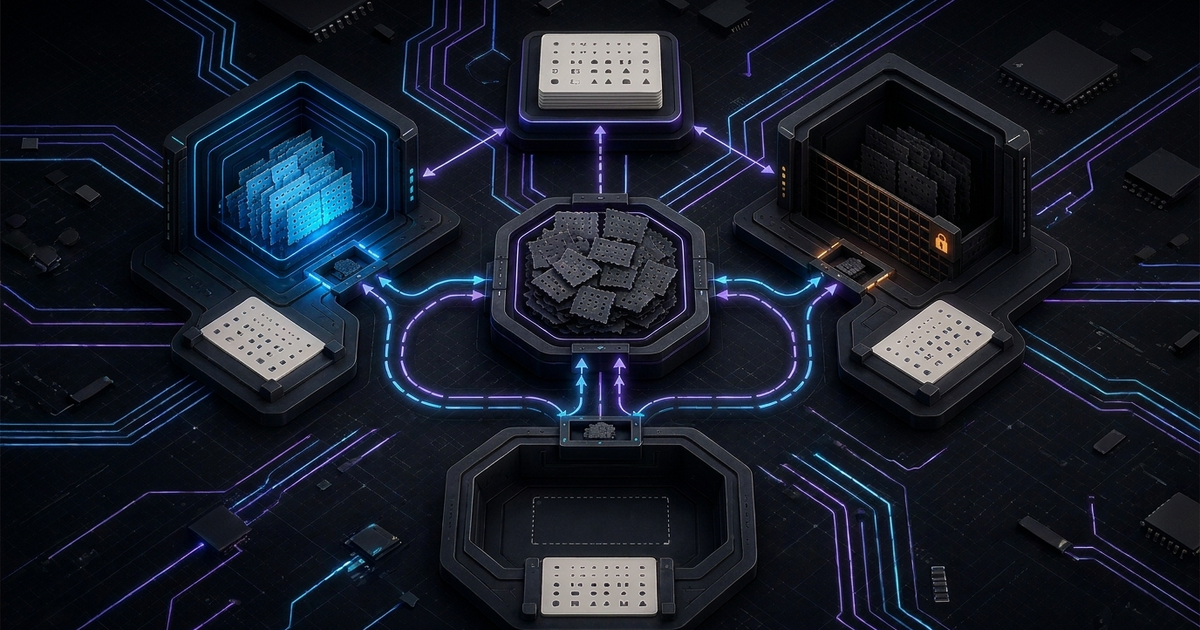
All three agents speak the Model Context Protocol, so the shared layer is one MCP memory server that every tool connects to. The data lives in the server, not in ~/.claude, ~/.codex or Cursor's settings, so it survives sessions, repositories and a switch of editor.
A minimal working version uses the reference Knowledge Graph Memory Server (@modelcontextprotocol/server-memory), which stores entities, relations and observations in a local JSONL file and exposes tools such as search_nodes and read_graph. Its README documents exactly this case: each MCP client starts its own server process, and when several clients point at the same MEMORY_FILE_PATH, every write takes an exclusive lock file so writes from different processes take turns and none is lost. Point all three agents at one file:
# Claude Code, available in every project
claude mcp add --scope user --transport stdio memory --env MEMORY_FILE_PATH=$HOME/.agent-memory/memory.jsonl -- npx -y @modelcontextprotocol/server-memory

# Codex, written to ~/.codex/config.toml
codex mcp add memory --env MEMORY_FILE_PATH=$HOME/.agent-memory/memory.jsonl -- npx -y @modelcontextprotocol/server-memory
// Cursor: ~/.cursor/mcp.json
{
  "mcpServers": {
    "memory": {
      "command": "npx",
      "args": ["-y", "@modelcontextprotocol/server-memory"],
      "env": { "MEMORY_FILE_PATH": "${userHome}/.agent-memory/memory.jsonl" }
    }
  }
}
That gives three agents one store on one machine. It does not yet give them memory, because an MCP server only adds tools, and an agent calls a tool when something tells it to. Two additions close the gap. The first is one instruction in the shared AGENTS.md: search memory before planning a change, and save a decision with its reason once it is confirmed. The second is lifecycle hooks, which make recall and capture happen whether or not the model remembers the instruction:
| Moment | Claude Code | Codex | Cursor |
|---|---|---|---|
| Session starts | SessionStart (matchers startup, resume, clear, compact, fork) returns additionalContext | SessionStart (same start sources) | sessionStart returns additional_context; fire-and-forget |
| Prompt submitted | UserPromptSubmit injects additionalContext beside the prompt | UserPromptSubmit | beforeSubmitPrompt |
| Before compaction | PreCompact (can block), PostCompact | PreCompact, PostCompact | preCompact, observational only |
| Turn or session ends | Stop, SessionEnd | Stop, SessionEnd | stop, sessionEnd |
Each tool has quirks that matter here. In Claude Code, additionalContext and plain stdout from a hook are capped at 10,000 characters, and at launch SessionStart fires before MCP servers connect, so an mcp_tool hook on that event is skipped; use a command hook for startup recall (hooks reference). In Codex, hooks are enabled by default, live in hooks.json or inline [hooks] tables next to config.toml, and only run after you review and trust each one in /hooks; OpenAI's own list of uses includes "Summarize chats to create persistent memories automatically". If you add an external memory server to Codex, memories.disable_on_external_context = true keeps chats that used MCP tools out of Codex's built-in memory generation, so you do not maintain two diverging copies.
Cursor removes half the work. Its third-party hooks support loads Claude Code hooks from .claude/settings.local.json, .claude/settings.json and ~/.claude/settings.json when Include Third-Party Plugins, Skills, and Other Configs is enabled, which it is by default, and maps UserPromptSubmit to beforeSubmitPrompt, SessionStart to sessionStart, PreCompact to preCompact and so on. A memory hook you write once for Claude Code also runs in Cursor. Codex still needs its own hook entries.
Treat the reference server as a starting point, not an end state. Its search matches names, types and observation text, and nothing in it decides what is worth keeping or notices that a new fact replaced an old one. Third-party memory plugins fill that gap with the same hook loop: Weaviate's Engram plugin, for example, searches for related memories before Claude answers and saves the exchange afterwards. Maximem Synap takes the same route for coding agents through a hosted MCP endpoint with four tools (log an exchange, check whether it finished processing, recall context, and list recent memories), It keeps discrete facts rather than transcripts and links a fact that contradicts an older one to the fact it replaces, so a reversed decision is marked as superseded instead of sitting beside the new one.
Hooks, skills, plugins and mods: what each changes about Claude Code memory
Claude Code's settings hooks are covered above; three other extension points touch memory, and they are easy to confuse because one plugin can contain all of them.
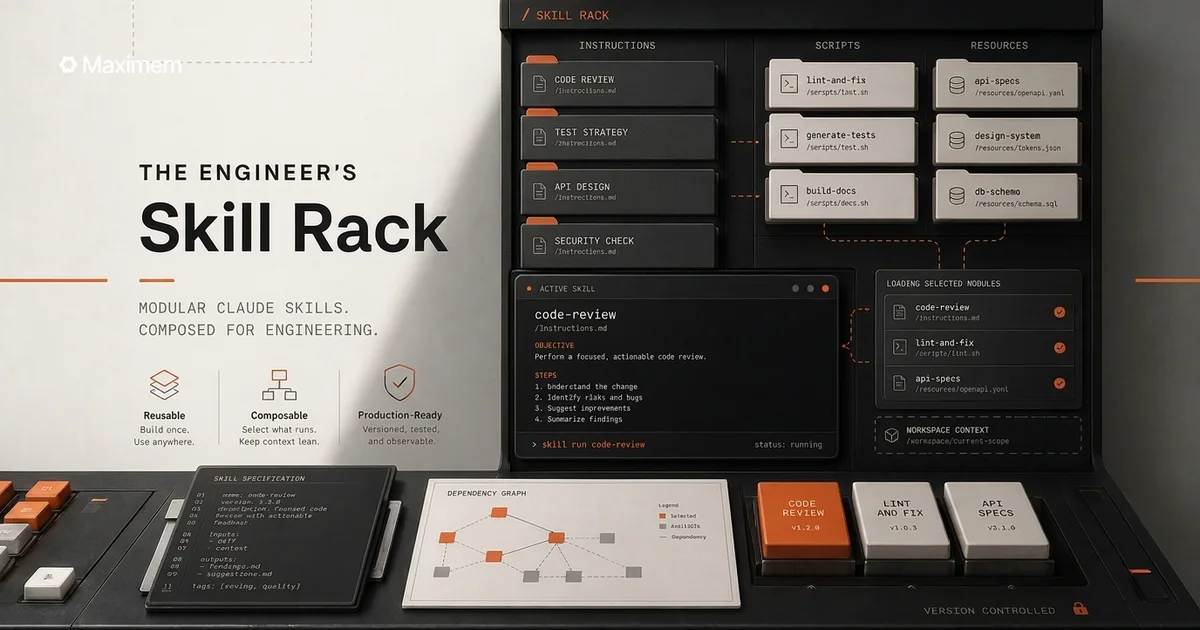
Skills are memory procedures, not memory. A SKILL.md has its description in context every session and its body loaded only when invoked, which is why Anthropic recommends moving a multi-step procedure out of CLAUDE.md into a skill. Skills follow the open Agent Skills standard, so the folder layout is the part that differs: Claude Code reads ~/.claude/skills/ and .claude/skills/, Codex reads ~/.agents/skills/ and .agents/skills/, and Cursor reads its own folders plus .agents/skills/, .claude/skills/ and .codex/skills/. A skill kept in .claude/skills/ reaches Claude Code and Cursor; Codex needs a copy in .agents/skills/. We keep a running list of the ones worth installing in Claude skills for engineers.
Plugins are packaging. A Claude Code plugin is a directory of skills, agents, hooks and MCP servers that installs as one unit from a marketplace, which is how every third-party memory integration for Claude Code ships: a recall skill, the hooks that call it, and the MCP server behind it, in one claude plugin install.
Mods are the newest piece. Anthropic's mods overview defines a mod as a plugin made of JavaScript or TypeScript event handlers that run inside Claude Code's own process, so they can observe, rewrite or answer an event rather than only react to it; they need Claude Code v2.1.287 or later in the terminal and are on by default. Four parts of the mods reference matter for memory. A prompt.submit handler can pass the prompt on with added context, which is a recall step that runs in-process instead of shelling out. prompt.context fires once per conversation for the context sent with the first message. session.compact fires before compaction and can return { skip: reason }. And $.store is a JSON key-value store, up to 4 MiB, that every session on the machine shares and that persists between sessions. The clearest example is already installed: Claude Code's AGENTS.md support is itself a built-in mod, listed in /plugin as cc-plugin-agents-md, and you can turn it off there. Arize's write-up of a Halloween mod is a useful look at the evaluation side, including a guard the agent simply walked around. A mod's memory never leaves Claude Code, though: Codex and Cursor do not load mods, so a mod is the wrong place for anything meant to be shared.
Where the data lives, and what to trust
Every native layer here is a plain file on a developer's machine or in the repository, and the transcripts are the sensitive part. Anthropic's .claude directory reference says transcripts are plaintext and hold anything that passed through a tool: file contents, command output and pasted text. Codex redacts secrets from generated memory fields but still tells you to review ~/.codex/memories/ before sharing your Codex home. Cursor resolves ${env:NAME} in mcp.json, so API keys for a memory server never need to sit in a committed file. Cloud surfaces are separate stores again: Claude Code's Projects keep their own project memory, distinct from the auto memory on your machine.
Memory is also an attack surface, because whatever is written today is trusted tomorrow; Cursor's Automations docs warn that untrusted input "may lead to misleading or malicious memories that unintentionally impact future automation runs". Claude Code asks before loading a project's .mcp.json servers, and Codex skips any hook you have not reviewed and trusted. Mods get no such boundary: Anthropic says they are not sandboxed, can read environment variables and settings files, and see every prompt and tool call. A shared memory server deserves the same review as any dependency.
Frequently asked questions
Does Claude Code remember previous sessions?
Not the conversation itself. Only two things carry over: the CLAUDE.md (or AGENTS.md) files you write, and the auto memory notes Claude saves to ~/.claude/projects/<project>/memory/, of which the first 200 lines or 25KB of MEMORY.md load at startup. /resume reopens an old transcript until it is deleted, after 30 days by default.
Where is Claude Code's memory file?
Auto memory is in ~/.claude/projects/<project>/memory/, with MEMORY.md as the index and one topic file per memory. Instruction files are ~/.claude/CLAUDE.md for all your projects, ./CLAUDE.md or ./.claude/CLAUDE.md for the project, ./CLAUDE.local.md for personal project notes, and a managed CLAUDE.md such as /etc/claude-code/CLAUDE.md for organization policy. Run /memory to open them and /context to see which ones loaded.
Does Codex have memory?
It does, in two layers. AGENTS.md instructions load on every run, from ~/.codex down to your working directory, up to 32 KiB by default. Codex Memories, which summarize past chats into ~/.codex/memories/, are off by default; turn them on with memories = true under [features] in config.toml.
Does Cursor still have Memories?
No. Cursor staff confirmed the Memories feature was removed starting with version 2.1.x, and the documented path was to run "Export memories" and move the .mdc output into Rules. Cursor's memory between chats is now Project Rules, User Rules, Team Rules and AGENTS.md, plus @Chats to attach a previous conversation by hand.
Can Claude Code, Codex and Cursor share memory?
For instructions, yes: all three read AGENTS.md. For learned memory, not natively; each keeps its own store, or none in Cursor's case. Register one MCP memory server in all three and add hooks that recall at prompt time and save at the end of a turn. Cursor runs Claude Code's hooks from .claude/settings.json, so you write those once.
Do Claude Code mods change how memory works?
Only if you install one that does, although Claude Code's own AGENTS.md loading is a built-in mod. A mod can add context to a prompt and keep data in a store every session on the machine shares, but mods run only in Claude Code.
Sources
All retrieved 28 October 2026.
- Anthropic, Claude Code docs: memory, context window and compaction, prompt caching, hooks, skills, subagents, plugins, mods overview, mods reference, .claude directory, settings reference, commands, MCP, Projects
- OpenAI, Codex docs: AGENTS.md, Memories, configuration reference, hooks, MCP, customization overview
- Cursor docs: Rules, hooks, third-party hooks, skills, MCP, Automations, Projects; Cursor forum staff answer, Are my memories gone? (25 November 2025)
- Model Context Protocol, Knowledge Graph Memory Server README
- Arize, I put a ghost in Claude Code. Then I evaluated it